
- Downloading Tether App
- Initial power on
- Configuration
- Finish
- Temporary testing
- Permanent Mounting
- Removal
- Spare mounting tape
- Setup alignment
- Apply to Tether
- Notifications
- Updating
- Finish
Connecting your Tether
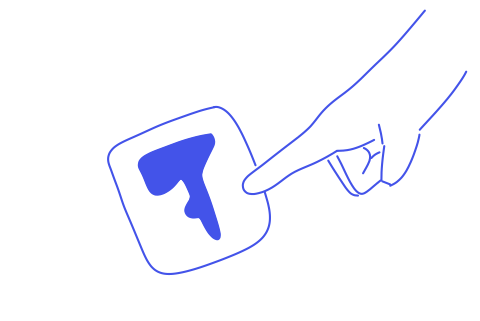
1.
Download the Tether app on your primary devices (Phone and Smartwatch if available).
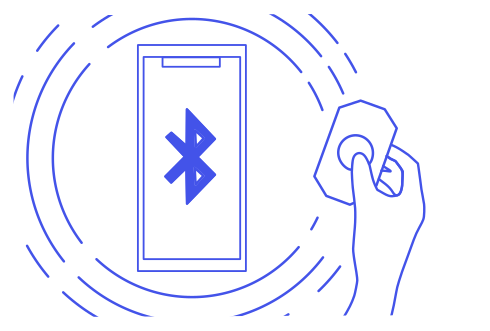
2.
Turn on the tag by pressing on its centre till it beeps, then connect to the device via Bluetooth
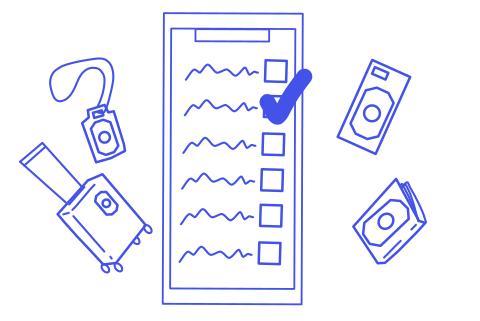
3.
Open the app and choose the category that best suits the item you will Tether to. This will determine the auto-theft detection software used.
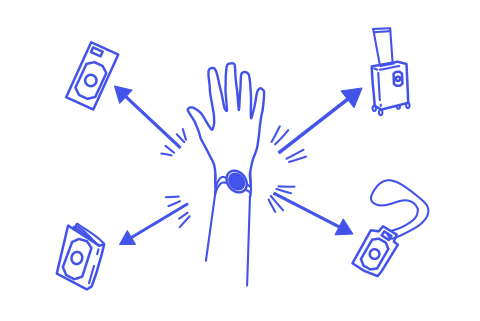
4.
You should now be able to see the true and relative locations of your Tethered items.
Mounting your tether sticker
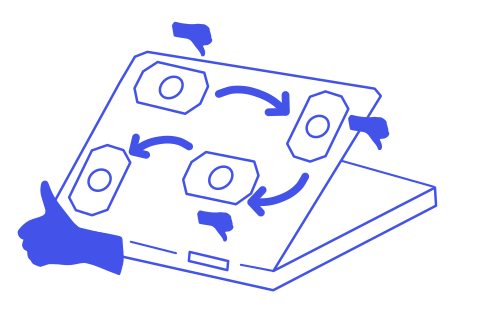
1.
Tether Stickers come with a temporary adhesive to let you test out placements before committing.
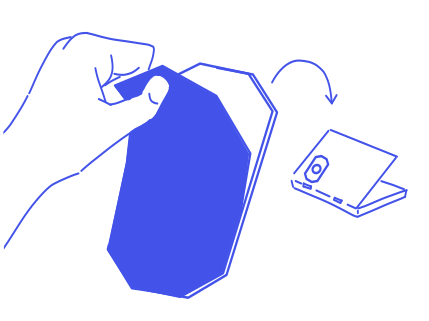
2.
Once you have chosen a spot remove the blue cover to reveal the ultra strong adhesive. Press it onto the surface and let the glue set for a few hours.
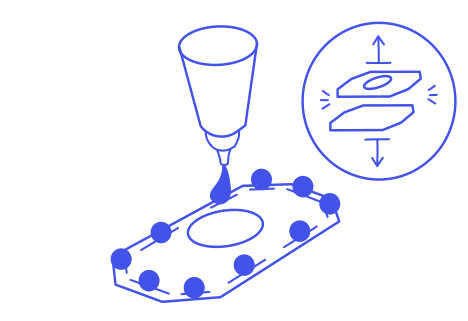
3.
To remove the sticker, you can dissolve the glue with a few drops of IPA into the grooves.

4.
A spare ultra-strong tape is delivered with you Tether Sticker. If you have run out, you can purchase spares from our store.
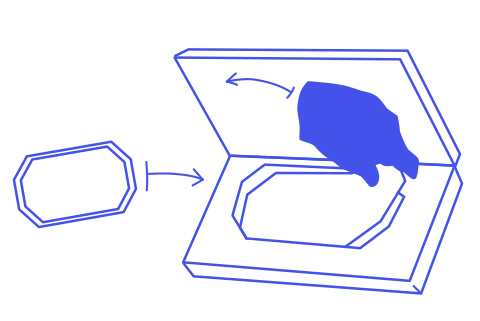
5.
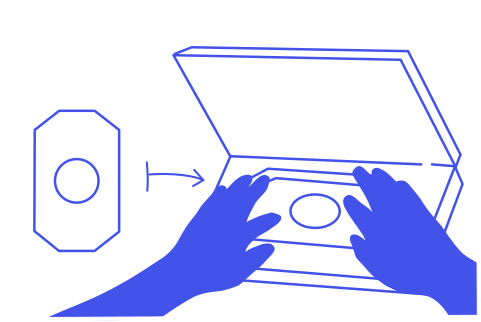
Place the spare tape into the delivery box. This will help ensure proper alignment. Then remove the cover film.
6.
Press the cleaned and dry Tether sticker onto the tape.
Updating Tether Ai
1.
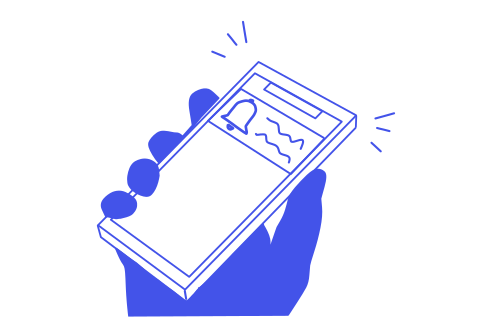
You will be notified when a new tether AI algorithm.
2.
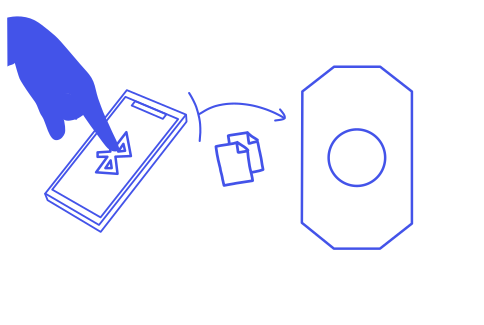
To update the AI, bring your device near the Tether sticker and press update.
3.
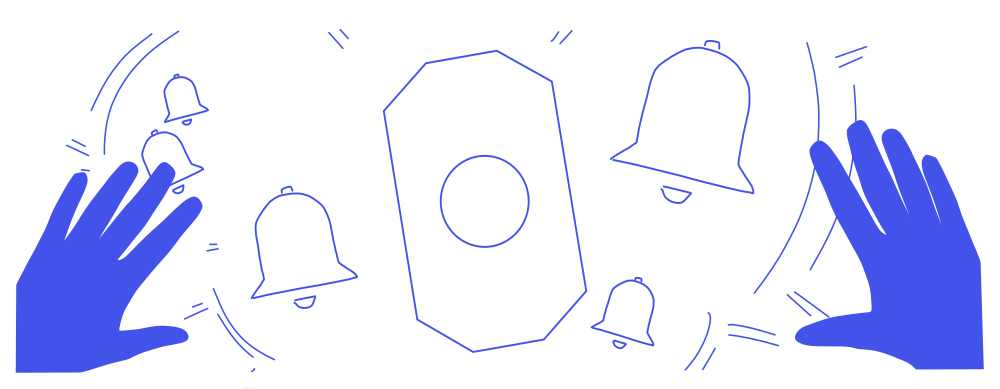
Tether strives to perpetually reduce your chances or being stolen from, providing faster motion based detection, more accurate detection, and longer battery life.